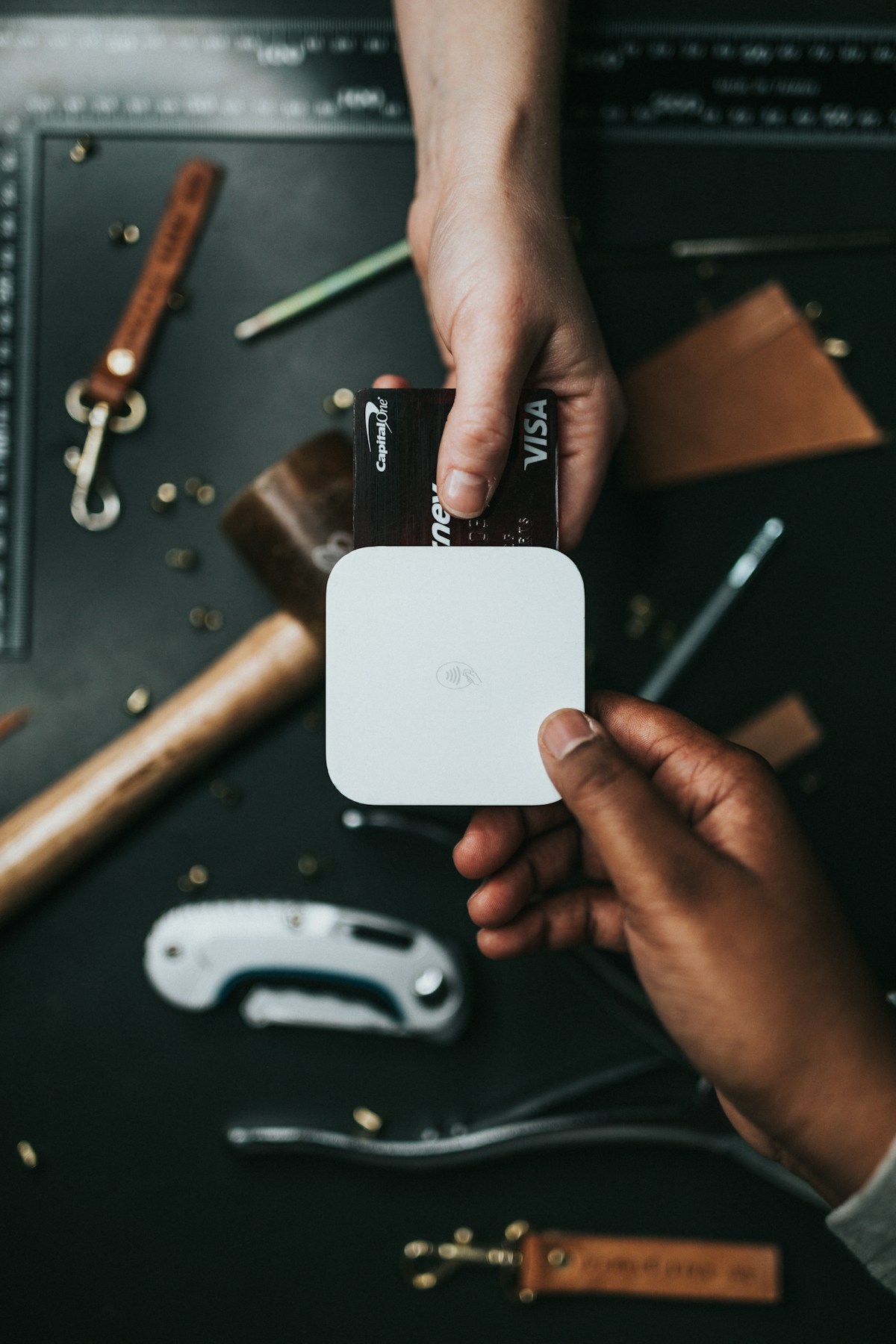
Your card just expired. Your new one is in the mail. Meanwhile, somewhere in the cloud, 14 different companies are trying to charge a dead card number. Let's talk about what actually happens next (spoiler: it's weirder than you think).
of cards auto-update via token services without you lifting a finger
in failed subscription payments annually across all card networks
subscriptions the average person has to update per card change
Here is something most people have no idea about: when your credit card expires and your bank sends you a shiny new one, they don't just mail the card. They also whisper your new card details to a vast network of merchants behind the scenes. It's like your bank is a very well-meaning gossip who can't keep a secret.
The system is called Visa Account Updater (VAU) on the Visa side, and Mastercard Automatic Billing Updater (ABU) on the Mastercard side. American Express has a similar program called Cardrefresher. These services exist for one reason: to prevent the chaos that would erupt if every expired card caused a cascade of failed payments across the entire economy.
Here is how it works. When your bank issues a replacement card, whether because the old one expired, got lost, or was compromised in a breach, they push the new card number, expiration date, and CVV to the card network. The network then distributes those updated details to every merchant that has your old card on file for recurring billing. The merchant updates their records automatically. Your next subscription charge goes through on the new card without a hiccup.
This process happens entirely without your knowledge or consent. You never opted in. There is no notification. One day you get your new card, and by the time you activate it, Netflix already has the new number. It is simultaneously impressive and a little unsettling, like finding out your house has a door you never knew about.
The upside is obvious: convenience. You don't have to spend an afternoon updating payment methods on 14 different websites. The downside is equally obvious: you cannot simply let a card expire and expect unwanted subscriptions to disappear. That subscription to a meditation app you used twice in 2024? It already has your new card. Namaste, indeed.
Not every subscription handles an expired card the same way. The biggest and most sophisticated companies have invested in card-updating technology, while smaller businesses may be left scrambling. Think of it as a class system for payment processing: the rich get richer, and the little guy sends you a frantic email at 2 AM.
Here is the breakdown of who auto-updates and who doesn't:
Apple, Google, Amazon, Microsoft are all enrolled in card updater services. If you have an iPhone subscription through the App Store, Apple already has your new card before you do. Google Play, Amazon Prime, and Microsoft 365 all auto-update seamlessly. These companies process billions in recurring payments and have invested heavily in making sure those payments never fail.
Your iCloud storage, Apple Music, Google One, Kindle Unlimited, and Xbox Game Pass will all survive your card expiration without a scratch.
Netflix, Spotify, Disney+, Hulu, Max, Paramount+, Peacock all participate in card updater programs. They are so terrified of losing subscribers to something as mundane as an expired card that they have entire engineering teams dedicated to payment recovery. These companies know that once you stop watching for even a week, you might realize you don't actually need seven streaming services.
One notable exception: if you subscribed through a third party like a cable provider or mobile carrier, the auto-update process may not apply. Your payment chain is only as strong as its weakest link.
Notion, Figma, Canva, Slack, Zoom, Dropbox typically auto-update because they use payment processors like Stripe or Braintree that support card updater services. However, smaller or newer SaaS products built on less sophisticated billing systems may not. That indie task manager you found on Product Hunt? It might not be enrolled. Your VPN service from a company in Estonia? Probably not either. If the company uses Stripe, chances are good. If they rolled their own billing, chances are less good.
Here is where things get interesting. Local gyms, boutique studios, subscription boxes, meal kits, and magazines often use older payment systems that don't participate in card updater programs. Your local CrossFit box is probably not on Visa Account Updater. Neither is that artisanal candle subscription your partner signed you up for. These services will fail to charge your expired card and then send you increasingly desperate emails, progressing from "friendly reminder" to "we miss you" to "final notice" like a romantic partner watching you pull away.
The irony is thick: the subscriptions you want to keep (the ones from small businesses you love) are the most likely to break. The subscriptions you forgot about (the ones from giant corporations) are the most likely to survive. Life is unfair, and so is payment technology. Use a tool like Subcut to find hidden subscriptions lurking on your accounts before your next card change.
When a subscription payment fails because your card expired and the auto-updater didn't kick in, the clock starts ticking. But the length of that clock varies wildly from service to service. Some companies are patient and understanding, like a friend who waits 30 minutes when you're late to dinner. Others are ruthless, cutting you off faster than you can say "but I just need to update my card."
Here is a rough guide to how long you have before the music stops (literally, in Spotify's case):
Apple / Google Play — The most generous. They retry the charge multiple times over 16 to 30 days, send polite notifications, and only suspend access after exhausting every option. They really, really don't want to lose you.
Netflix / Spotify / Disney+ — Most major streaming services give you about two weeks. They will retry the charge every few days and send you emails. Your account remains active during this window, so you might not even notice anything is wrong.
Hulu / Max / Adobe Creative Cloud — About a week of grace. These services are a bit less patient. They will send a couple of emails and retry the charge two to three times before suspending your access.
Amazon Prime / YouTube Premium — Amazon doesn't mess around. They will retry a couple of times, but if your payment fails, they will revoke Prime benefits relatively quickly. Same with YouTube Premium: ads return with a vengeance.
Smaller SaaS tools / VPN services / Niche apps — Some services have zero chill. Payment fails? Access revoked. Do not pass go. Do not collect your saved data. These are typically smaller companies that cannot afford to float unpaid accounts.
The takeaway: don't gamble with grace periods. Even services with generous windows will eventually cut you off, and some won't give you any warning at all. When you get a new card, update your payment methods proactively. Or better yet, track all your subscriptions with Subcut so you know exactly which ones need updating.

Let's address the elephant in the room. Some people have discovered what they think is a genius hack: instead of going through the painful, dark-pattern-riddled cancellation process for unwanted subscriptions, they just let their card expire and assume the subscriptions will wither and die. It's the subscription equivalent of ghosting someone instead of having an awkward breakup conversation.
We get it. Some companies make cancellation deliberately difficult. They hide the cancel button. They force you to call a phone number. They make you navigate 17 "Are you sure?" screens. In those moments, letting the card expire feels like sweet, passive-aggressive justice.
But here is why it doesn't work:
Card updater services will betray you. As we just discussed, 85% of merchants automatically receive your new card details. You can't ghost a company that already has your new phone number.
Unpaid balances don't vanish. Many services will accumulate the charges you "missed" and bill you retroactively the moment you add a new payment method anywhere in their ecosystem. Surprise!
Collections agencies exist. Gym memberships are notorious for this. That $30/month gym contract doesn't just disappear because your card expired. Some gyms will send the balance to collections, which can affect your credit score. Getting a ding on your credit because you couldn't be bothered to formally cancel your Planet Fitness membership is a truly 21st-century tragedy.
Your account enters limbo. Even if the charges stop, your account isn't technically cancelled. It's just suspended. You can't sign up for a new trial because your email is still in the system. You are in subscription purgatory.
The better approach? Actually cancel the subscriptions you don't want. Use your bank's merchant blocking features if the service makes it difficult. Or use virtual cards to control exactly which services can charge you.
Got a new card? Here is exactly what to do, step by step, so nothing slips through the cracks.
Before you touch anything, you need a full inventory. Check your credit card statements from the past three months for recurring charges. Check your email for billing receipts. Check your phone's app store subscriptions. Use Subcut to audit all your subscriptions in one place. You will probably find at least two or three you forgot about. Everyone does.
A card replacement is the perfect excuse for a subscription audit. For each subscription, ask yourself: "Have I used this in the past 30 days?" If not, cancel it. If you used it once, consider downgrading to a free tier. The new card is a natural checkpoint. Think of it as spring cleaning, but for your wallet.
This is critical. Cancel the subscriptions you don't want before you update your card on the ones you do. If you update the card first, you give the unwanted services your new payment details through the card updater network. Cancel first, then update.
For the subscriptions you want to keep, log in to each service and update the payment method with your new card details. Yes, many of them will auto-update via card updater services, but don't rely on it. Manually updating ensures there are no gaps or failed payments. Start with the most important ones: your phone bill, cloud storage, and any service where a lapse could cause data loss.
Don't forget the middlemen. Update your card on PayPal, Apple Pay, Google Pay, Venmo, and any other payment platform you use for subscriptions. Many subscriptions are billed through these intermediaries rather than directly. Updating the card on PayPal alone might fix half your subscriptions in one shot.
After updating everything, watch your statements closely for the next 30 days. Look for failed charges from services you missed, unexpected charges from services you thought you cancelled, and charges on the old card number that somehow went through. This final check catches anything that slipped through the cracks.
If the whole "my card expired and now I have to update 14 services" dance sounds exhausting, there is a better way. Virtual credit cards are the power move for anyone who wants complete control over their subscription payments.
Here is how they solve the expired card problem: instead of giving every subscription your real card number (which then gets auto-updated whenever your bank issues a replacement), you create a unique virtual card number for each subscription. When your physical card expires, the virtual cards remain active because they are linked to your bank account, not your physical card number. Nothing breaks. Nothing needs updating. You just keep rolling.
Even better, virtual cards give you an actual kill switch. Want to cancel a subscription that makes cancellation difficult? Close the virtual card assigned to that service. The next charge attempt is declined instantly. No cancellation flows. No retention specialists. No "are you sure?" pop-ups. Just silence. Beautiful, peaceful silence.
Services like Privacy.com let you create merchant-locked virtual cards with spending limits. Set the limit to exactly what the subscription costs, and you will automatically be protected from price increases too. If Netflix decides your plan now costs $5 more per month, the charge gets declined, and you receive a notification. You decide whether to accept the new price on your terms, not theirs.
The combination of virtual cards for payment control and Subcut for subscription tracking is essentially a complete defense system for your recurring charges. You know what you are paying for, and you control exactly how much each service can charge.
This is the question that keeps people up at night. Your card expired, the payment failed, and now you are wondering: are my 847 carefully curated Spotify playlists gone? Did my 40,000 photos in iCloud just vanish? Is three years of notes in Notion floating in the digital void?
Take a deep breath. In most cases, your data is safe. But "most cases" is doing a lot of heavy lifting in that sentence, so let's break it down by category:
Your playlists, watch history, liked songs, and preferences are all preserved even after your subscription lapses. These services want you to come back, and they know that if they deleted your 6-year-old playlist called "Songs That Make Me Feel Feelings," you would never forgive them. When you resubscribe, everything is exactly where you left it. Netflix even keeps your "continue watching" list, which is both helpful and occasionally judgmental.
This one is more nuanced and potentially stressful. If your iCloud payment fails, Apple won't delete your files immediately. But they will prevent you from adding new files, sending or receiving iCloud emails, and syncing across devices. If you are over the free storage tier limit (5GB for iCloud), Apple will keep your files for a grace period of up to 180 days. After that, they start deleting. Google One is similar, giving you about two years before data deletion but restricting uploads immediately. Dropbox preserves your files but blocks syncing.
Most modern SaaS tools downgrade you to a free tier rather than deleting your data. Notion will restrict your uploads and block some features but keep all your pages. Figma preserves your files but limits editing. Canva keeps your designs. Slack retains your messages but limits searchable history. The trend in SaaS is to make the free tier usable enough that you don't panic, but limited enough that you want to resubscribe.
Your game saves and achievement history are preserved, but access to "free" games included with your subscription is revoked immediately. Those 47 PlayStation Plus games you downloaded but never played? Locked until you resubscribe. Your cloud saves in Xbox Game Pass remain for 270 days. Your progress isn't lost, but your access is paused.
The general rule: large companies preserve your data for months (because it costs them almost nothing to store and it increases the chance you resubscribe). Small companies may delete after 60 to 90 days. If you have critical data in a subscription service and your payment fails, update your payment method within the first 30 days to be safe.
No. About 85% of major subscription services use card-updating services like Visa Account Updater or Mastercard ABU to automatically receive your new card details from your bank. Your subscriptions continue charging without any action from you. Only services that don't participate in card updater programs will experience a failed payment, and even then, they enter a grace period before suspending your account rather than cancelling outright.
Visa Account Updater (VAU) is a service that automatically shares your new card information with merchants when your card is replaced or renewed. When your bank issues a new card, they push the updated details to the Visa network, which distributes them to merchants with your card on file. This means most subscriptions continue charging seamlessly. Mastercard has a similar service called Automatic Billing Updater (ABU).
Grace periods vary by service. Apple and Google give 16 to 30 days. Major streaming services like Netflix and Spotify give 7 to 14 days. Amazon Prime gives 3 to 5 days. Some smaller SaaS tools cut access immediately. During the grace period, services typically retry the charge multiple times and send email notifications asking you to update your payment method.
In most cases, no. Streaming services keep your playlists and watch history indefinitely. Cloud storage services like iCloud and Google One preserve files for 30 to 180 days but restrict uploads. SaaS tools typically downgrade you to a free tier. However, some smaller services may delete data after 60 to 90 days, so updating your payment method within 30 days is recommended.
This is unreliable and not recommended. Card updater services automatically share your new card details with most merchants, so about 85% of subscriptions will continue charging your new card. Some services may send unpaid balances to collections. The proper way to cancel is through each service's cancellation process, or by using your bank's merchant blocking features or virtual cards for services that make cancellation difficult.
Take full control of subscription charges with virtual card numbers.
Discover every forgotten subscription draining your wallet silently.
Block merchant charges and stop unwanted billing at the bank level.
A step-by-step guide to finding and evaluating every recurring charge.
Track every subscription, get renewal reminders, and never be surprised by a charge again. Whether your card expires or not, Subcut keeps you in control.
Download Subcut Free